
I’m seeing an error when trying to access Jinja’s Garden. What do I do?
You can find a list of errors and troubleshooting steps below.
| Error or Popup | Reason | Troubleshooting Steps |
|---|---|---|
|
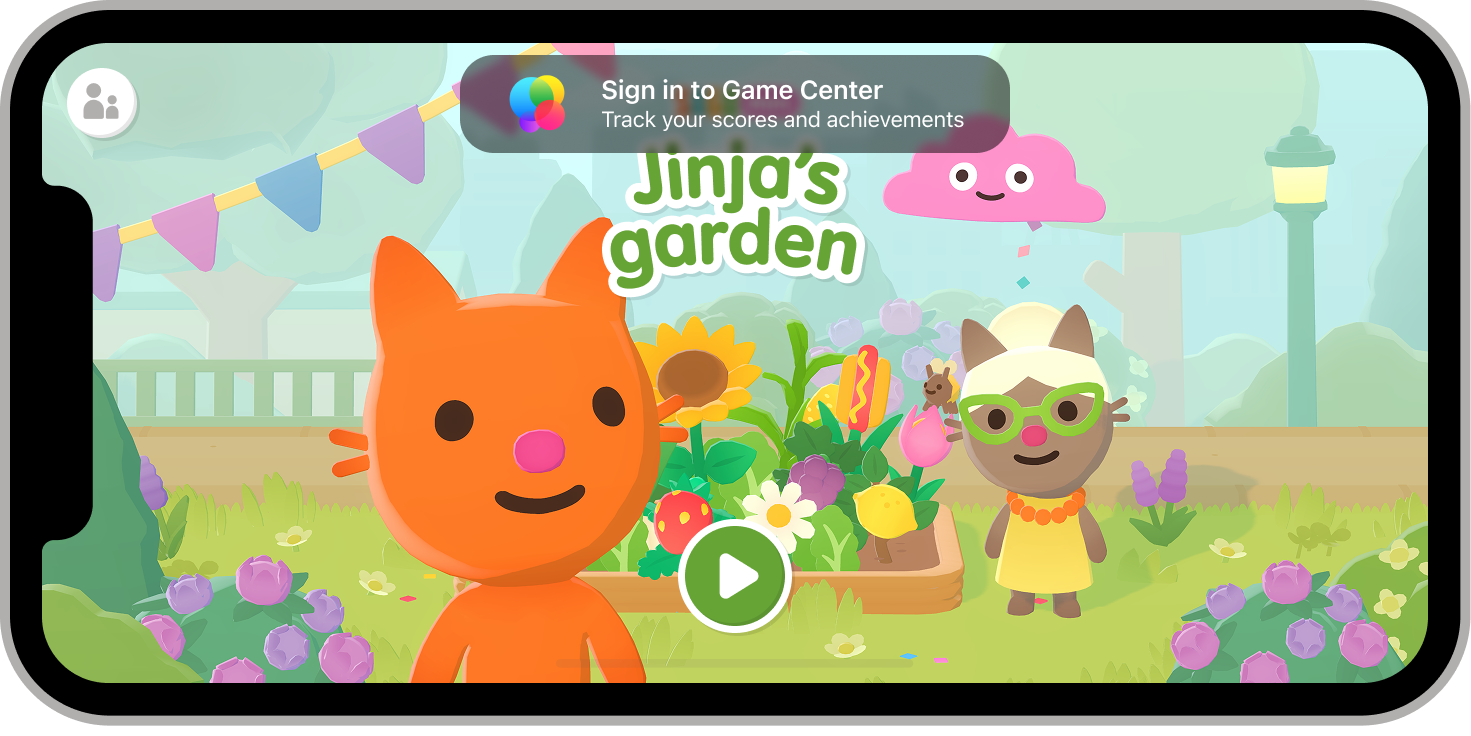
The "Sign in to Game Center" notice may appear if you are not signed into an iCloud account on your device.
This means that any progress will be saved to the device and will not be shareable. |
Tap on the notice or go to your device settings to sign in to your Game Center account through iCloud using your Apple ID. |
|
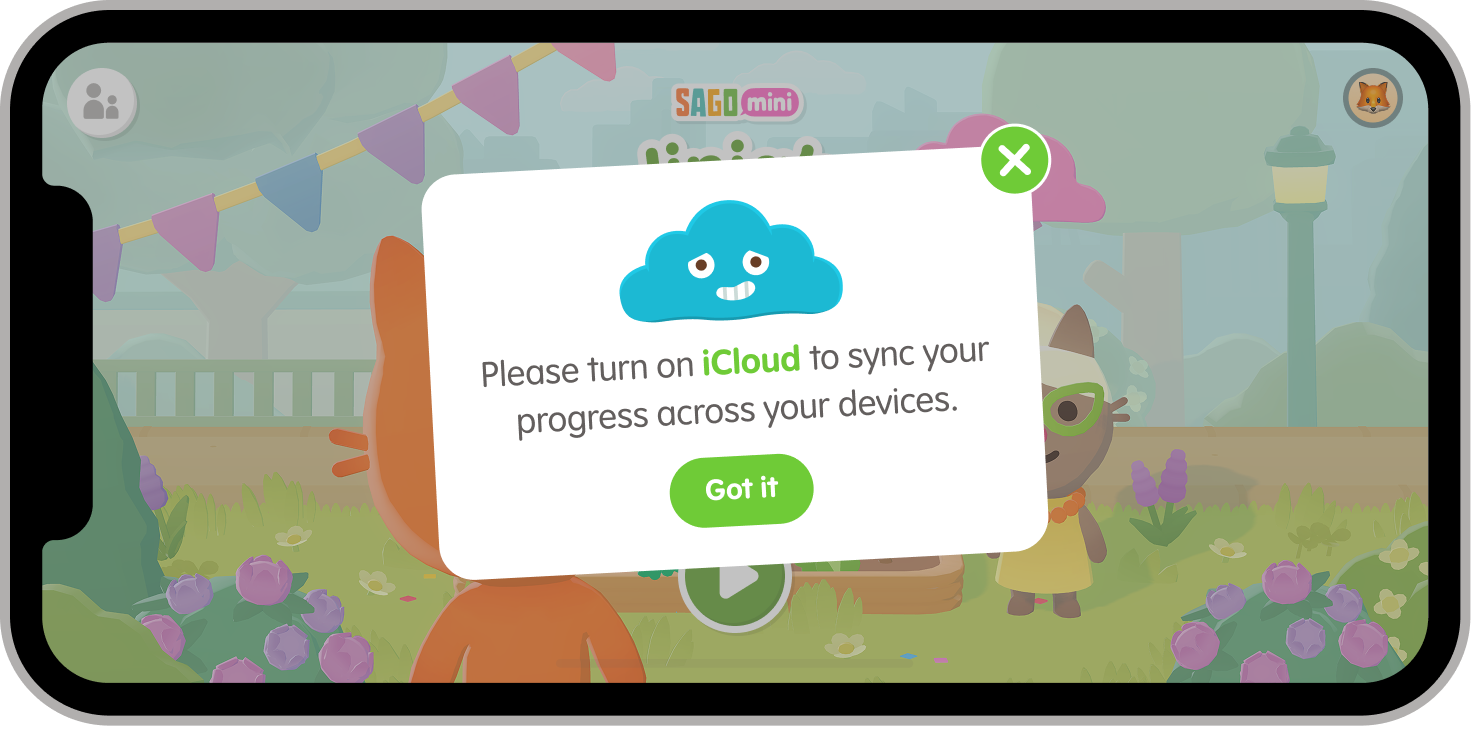
This error appears if you are signed into your Apple ID but may have iCloud or the Game Center turned off or disconnected. | Go to your settings and sign into and/or enable iCloud and Game Center on your device. |
|
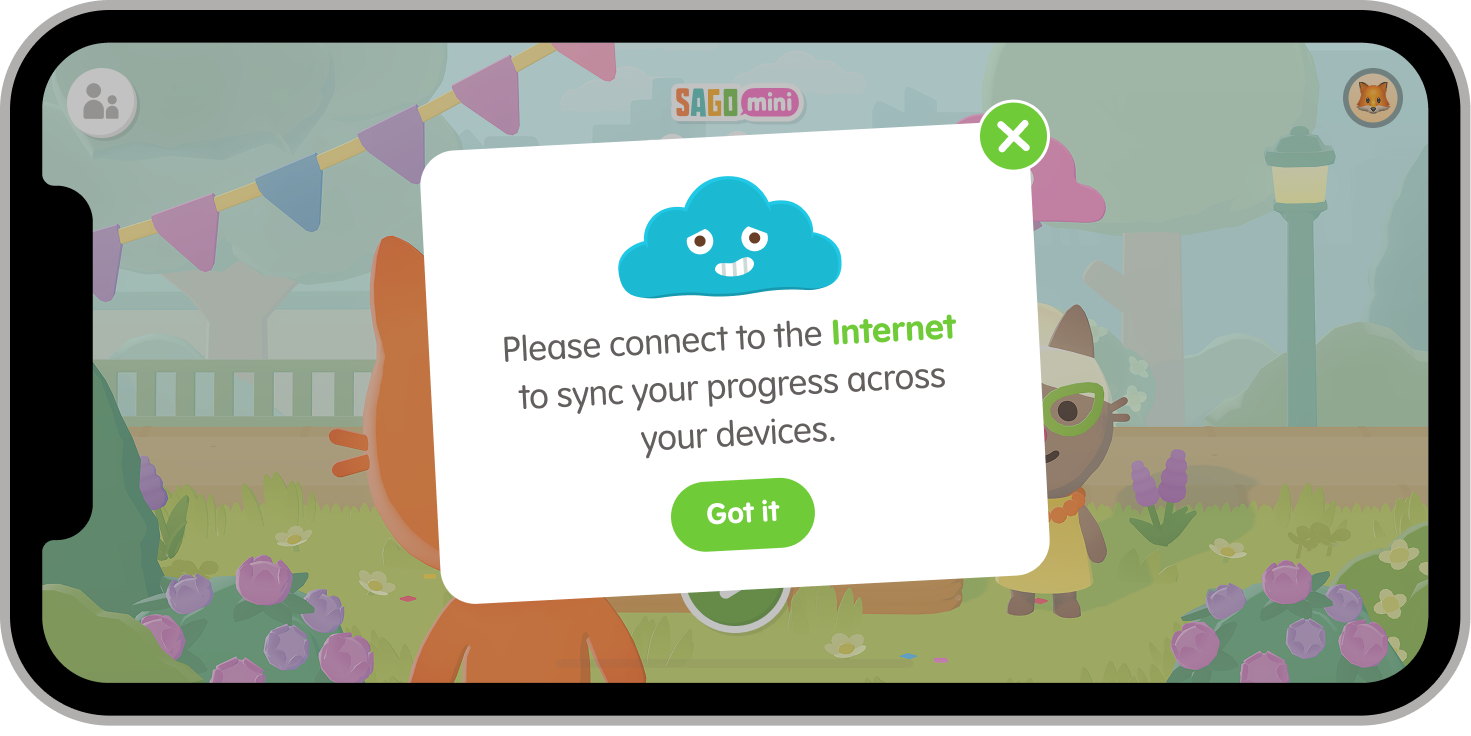
This error appears if your device is not connected to the internet.
Your progress will still save to your device but will not be shareable until the device has connected to the internet. |
Connect to a Wi-Fi or Data Network to start storing and sharing saved progress through iCloud. |
|
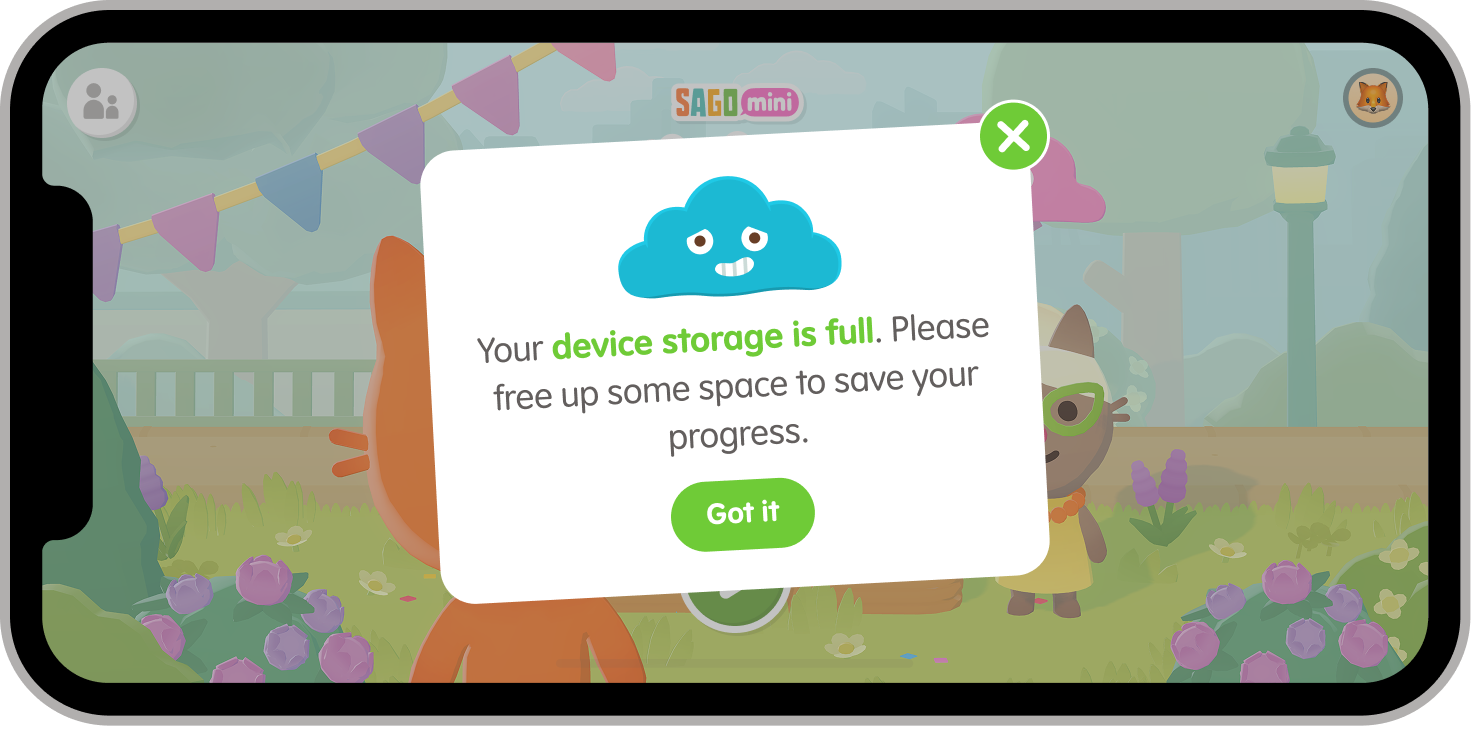
This error may appear as "device storage full," or "iCloud storage full" depending on your device.
This happens if the device or iCloud storage is full and can no longer store additional game progress. |
If you’re seeing "Device storage full," simply uninstall or delete files to free up space on the internal device storage.
If you’re seeing "iCloud storage full," simply uninstall or delete files on your iCloud Drive using the steps here. |
|
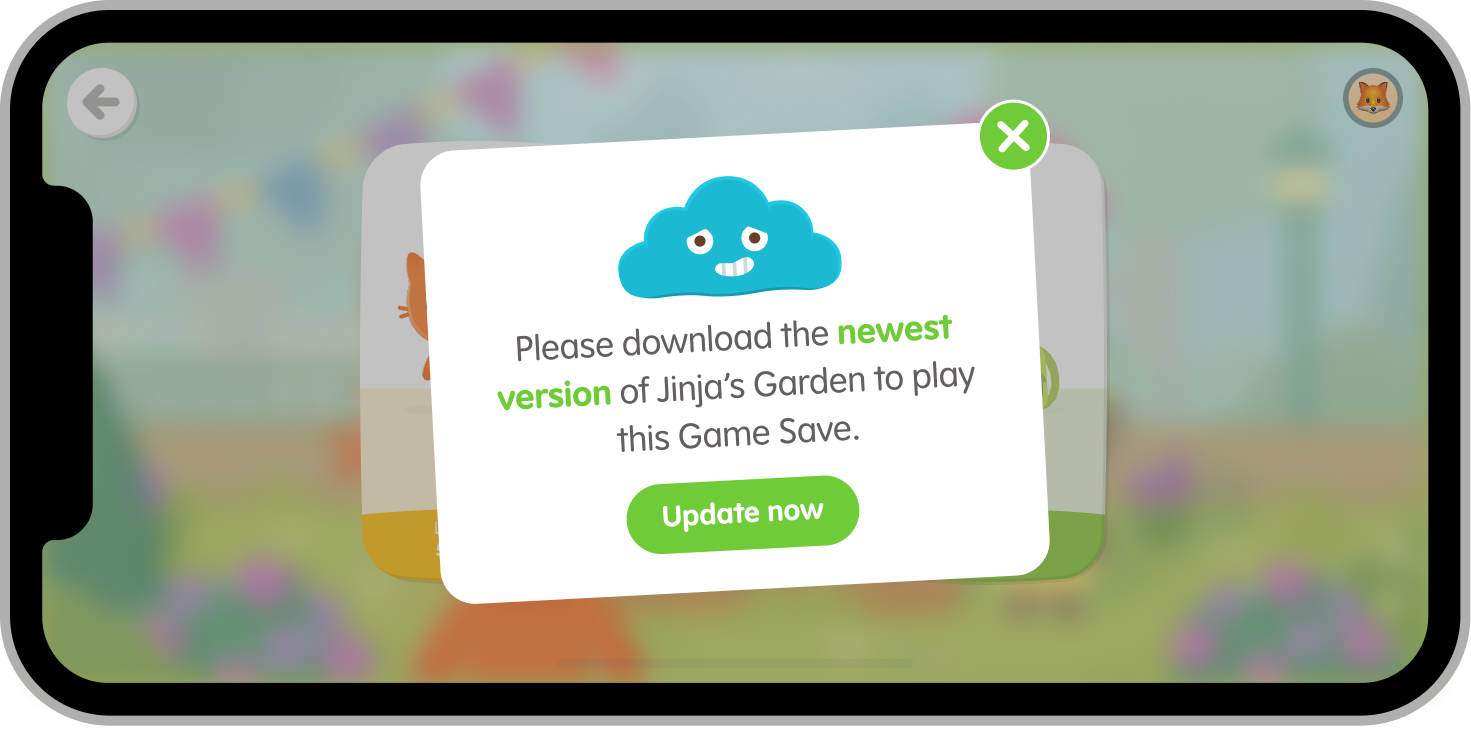
This occurs if the Jinja’s Garden app version used to make the save is newer than the one installed on the current device.
This generally happens when using multiple devices with different versions of the game installed. |
Update Jinja’s Garden to the latest version through the App Store. |
|
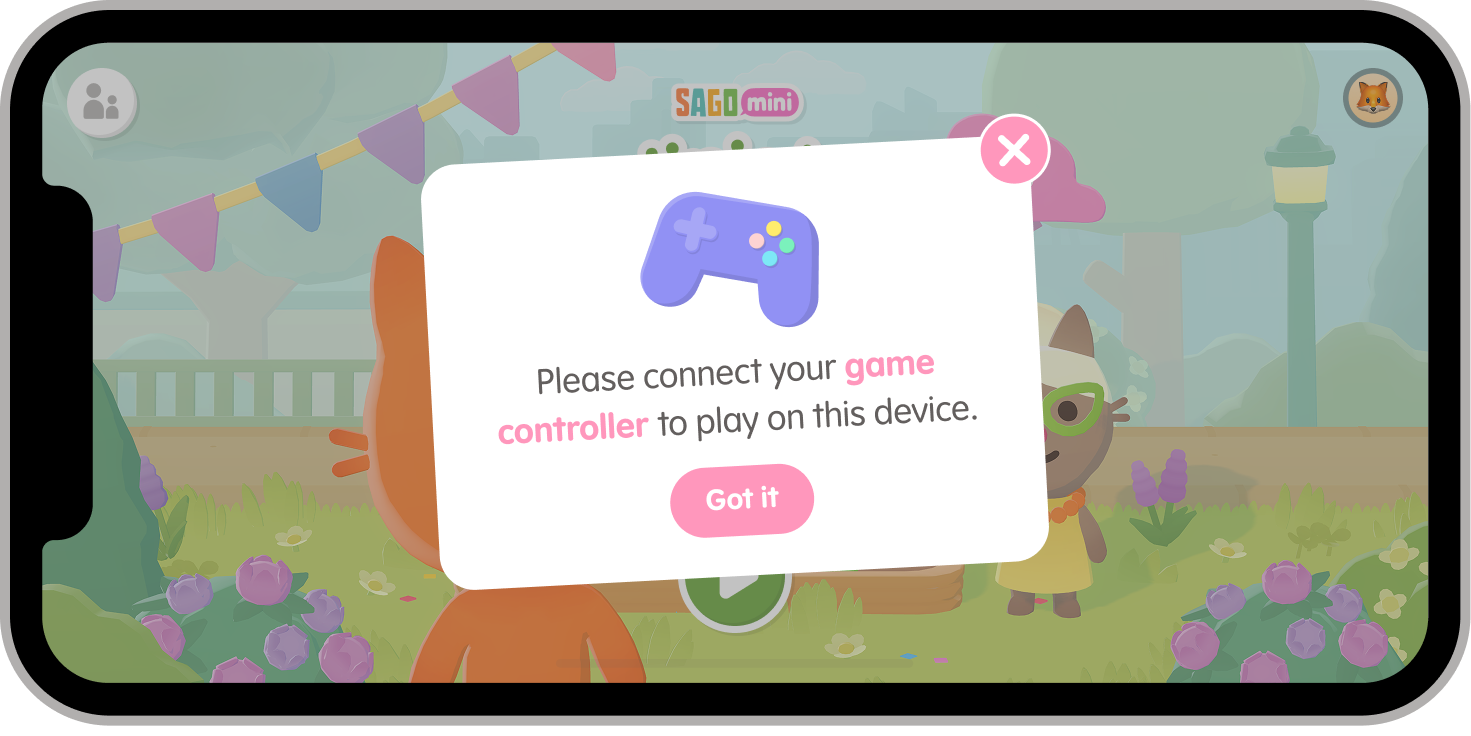
If you are using a device that requires a controller, such as AppleTV, you will see this to indicate that your controller has been disconnected. | Check that your controller is turned on and paired with your device. |
|
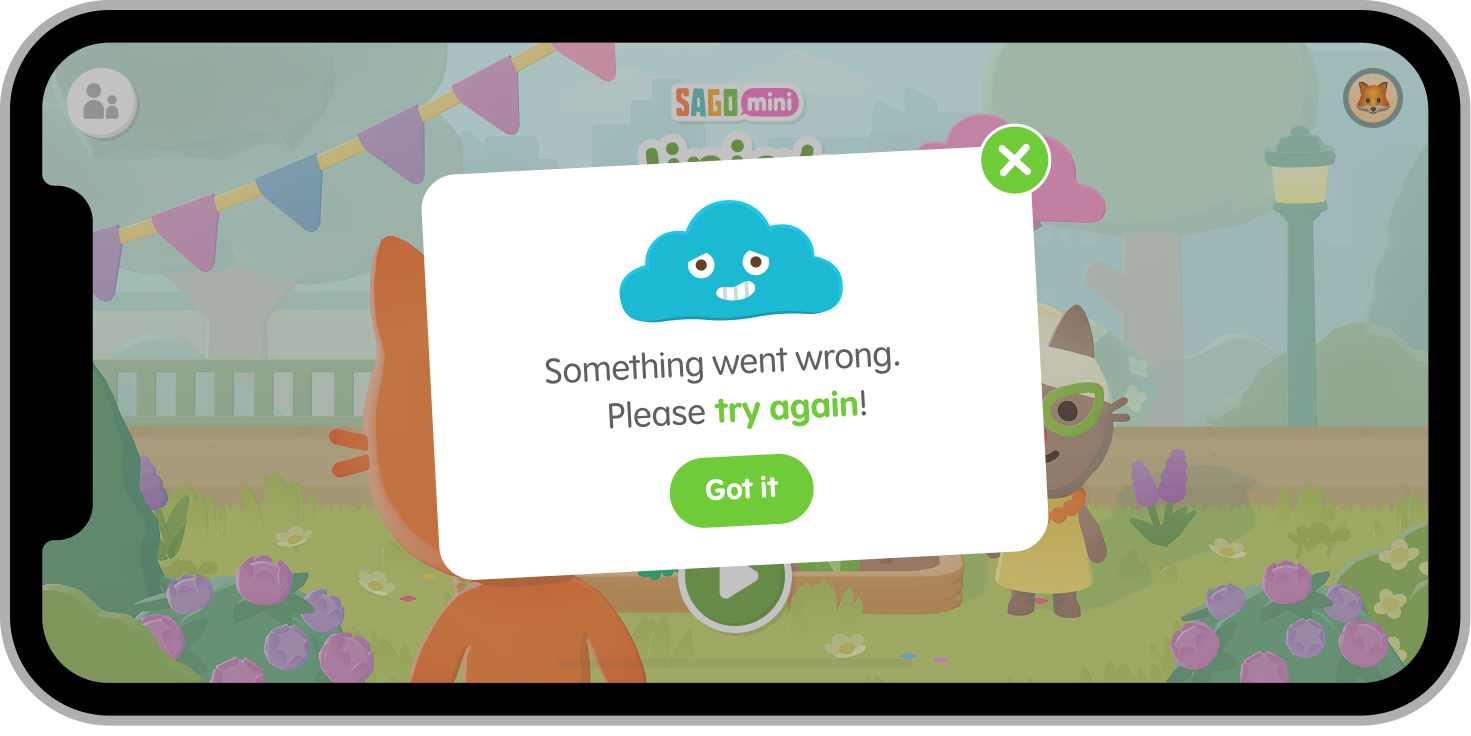
This is a general error that may be caused for various reasons.
The most common reason for this error is due to an installation error. |
Uninstalling and reinstalling the app often resolves this issue. |
Still have questions? Use our Contact Us link at the bottom of the page. We’re happy to help!